In this article, you will learn how to use locally hosted language models through Ollama to perform text classification tasks, all without spending a cent on API calls.
Topics we will cover include:
- How to install Ollama and pull open-source models like Llama 3, Mistral, and Gemma to run locally on your machine.
- How to configure the Scikit-LLM library to route requests to a local Ollama endpoint instead of a paid cloud API.
- How to build a zero-shot text classifier using a local large language model and scikit-LLM in a familiar scikit-learn-style workflow.
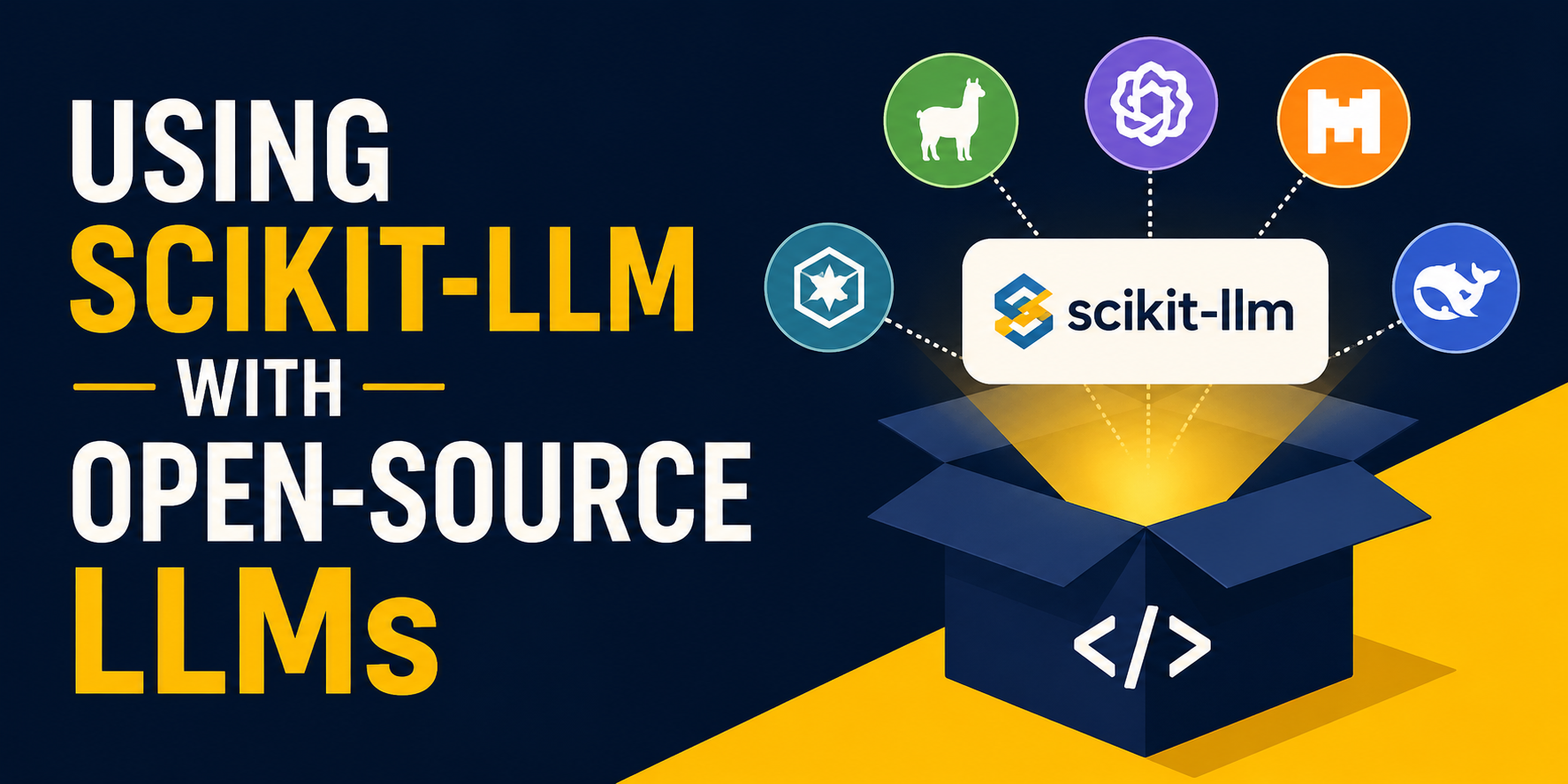
Using Scikit-LLM with Open-Source LLMs
Introduction
This article will teach you how to perform a language task like text classification by integrating locally hosted large language models (LLMs) of manageable size, like Mistral, Gemma, and Llama 3: all for free thanks to Ollama — a free repository for local LLMs — and the Scikit-LLM Python library.
Pre-requisite: Installing Ollama
It is recommended to use an IDE to run this tutorial, as we will need to interact with your locally installed version of Ollama from there. New to Ollama? Then I recommend you check this article out first. Nonetheless, here is a summary of what to do in the local command line terminal to download a local LLM after installing Ollama on your computer.
|
# Pulling Llama 3 (one of Ollama’s most popular downloadable models) ollama run llama3
# Or alternatively, try pulling Mistral ollama run mistral
# Or, if you feel picky today, just pull Google’s Gemma ollama run gemma |
Once you see the model interaction window in the terminal, you can type “/bye” to keep it running in the background, waiting for API calls. Meanwhile, in a newly created project in your Python IDE, you will need to have the following libraries installed:
|
pip install scikit–learn pandas scikit–llm |
If you encounter a “Module not found” error when executing the Python code, try installing the above dependencies one by one.
Okay! Time to fill in our Python code file (name it as you wish!), step by step. First, of course, come the imports. One of them is the class ZeroShotGPTClassifier. Similar to classical scikit-learn, this is a dedicated class for training and using a model for zero-shot classification: concretely, an LLM from Ollama.
|
import pandas as pd from sklearn.model_selection import train_test_split from skllm.config import SKLLMConfig from skllm.models.gpt.classification.zero_shot import ZeroShotGPTClassifier |
Next, we need to apply a couple of specific configurations to be able to communicate with Ollama.
|
# Use this to tell Scikit-LLM to route cloud requests towards your default local Ollama port SKLLMConfig.set_gpt_url(“http://localhost:11434/v1”)
# Scikit-LLM needs, by default, a key to pass internal validation checks. # But because Ollama is local and free, this string will be ignored in practice. SKLLMConfig.set_openai_key(“local-ollama-is-free”) |
After that, we create a small dataset and prepare it for classification. Since we are not going to evaluate the model’s classification performance in this tutorial — our main goal is to learn how to use Scikit-LLM locally with open-source models like those available through Ollama — we do not need a large number of data examples.
|
1 2 3 4 5 6 7 8 9 10 11 12 13 14 15 16 17 18 19 20 21 22 23 |
data = { “review”: [ “The new macOS update is fantastic and runs smoothly.”, “My battery is draining incredibly fast after the patch.”, “I need help resetting my account password.”, “The display on this monitor is breathtakingly crisp.”, “Customer support hung up on me, very disappointing.” ], “category”: [ “Positive Feedback”, “Technical Issue”, “Support Request”, “Positive Feedback”, “Negative Feedback” ] }
df = pd.DataFrame(data) X = df[“review”] y = df[“category”]
# Splitting data into train/test sets X_train, X_test, y_train, y_test = train_test_split(X, y, test_size=0.4, random_state=42) |
The dataset contains user reviews and their corresponding categories, e.g. types of customer inquiries or feedback. We also made a training/test split as usual with machine learning modeling.
In the next part of the code, we add the necessary instructions for initializing and running our classifier, which will be at its core a task-adapted running instance of one of our installed Ollama models, such as Llama 3:
|
print(“Initializing ZeroShotGPTClassifier with local Llama 3…”)
# Using the ‘custom_url::’ prefix to tell the system to use your “set_gpt_url” endpoint (see above) clf = ZeroShotGPTClassifier(model=“custom_url::llama3”)
# Fitting the model clf.fit(X_train, y_train)
print(“Sending data to Ollama for local inference…\n”) predictions = clf.predict(X_test) |
To finish up, we print some outputs consisting of a couple of model inference results (classification predictions) on the two examples contained in the test set. This is a very small dataset, but the aim here is to show how we managed to link Scikit-LLM with a local, free Ollama model to elegantly use an LLM for a specific task at no cost!
|
for review, prediction in zip(X_test, predictions): print(f“Review Text: ‘{review}'”) print(f“Predicted Tag: {prediction}”) print(“-“ * 50) |
The result (it may vary depending on your test examples):
|
Sending data to Ollama for local inference...
100%|███████████████████████████████████████████████████████████| 2/2 [00:12<00:00, 6.36s/it] Review Text: ‘My battery is draining incredibly fast after the patch.’ Predicted Tag: Support Request ————————————————————————— Review Text: ‘Customer support hung up on me, very disappointing.’ Predicted Tag: Support Request ————————————————————————— |
Alternatively, you could run your Python script from your terminal. For example, if you named it local_classification.py, execute this command:
|
python local_classification.py |
Either way, if you followed all the steps, you should have it working. Well done!
Wrapping Up
This article illustrated how to swap in free, locally run models served through Ollama, such as Llama, Mistral, or Gemma — all for free, and in a few easy steps — thanks to Python’s Scikit-LLM library, which enables the use of cutting-edge LLMs within a familiar classical machine learning workflow.