In this article, you will learn the key differences between Chain of Thought and Tree of Thoughts prompting, and how each reasoning framework is applied in AI agent systems. Topics we will cover include: How Chain of Thought works as a linear reasoning technique and where its limitations lie. How Tree of Thoughts extends reasoning through branching, evaluation, and backtracking. How AI agents use both frameworks together, matching each to the complexity of the task at hand. Introduction Large language models have a default behavior that works against complex reasoning. They are trained to predict the next most likely token given everything that came before, which means that, left to their own devices, they tend to leap directly from a question to an answer. For simple tasks, this works fine. For anything that requires multiple steps, careful logic, or planning ahead, it tends to fail in ways that look confident and coherent but are quietly wrong. Two techniques have emerged to address this: Chain of Thought and Tree of Thoughts. Both are designed to force a model to reason before it concludes. They share that goal but pursue it in structurally different ways, with different costs, different strengths, and different failure modes. For AI agents, the choice between these approaches is not cosmetic. It shapes what the agent can actually accomplish. The Problem Both Techniques Solve To understand why these techniques exist, it helps to see clearly what happens without them. Ask a language model a straightforward factual question and it will usually answer correctly. Ask it to solve a problem that requires holding several intermediate conclusions in mind, or that has a structure where early mistakes compound into later ones, and the model’s tendency to jump to a fluent-sounding answer becomes a liability. It will produce text that reads like careful reasoning but was not actually generated that way. The appearance of thought is not the same as thought. Both Chain of Thought and Tree of Thoughts work by inserting intermediate steps between input and output. Instead of mapping directly from question to answer, the model generates a sequence of reasoning steps first. The final answer emerges from those steps rather than directly from the input. This simple change in structure produces measurable improvements on tasks involving mathematics, logic, and multi-step planning. The techniques diverge in how those intermediate steps are organized, how many are generated, and what happens when a step turns out to be wrong. Chain of Thought: Linear Reasoning Chain of Thought is the simpler of the two approaches. It asks the model to show its work: to generate a sequence of intermediate reasoning steps before arriving at a final answer. In its most basic form, this can be triggered by something as minimal as appending the phrase “Let’s think step by step” to a prompt. The model, guided by that instruction, produces a chain of reasoning rather than an immediate conclusion. More structured implementations provide explicit step-by-step instructions or use examples to demonstrate the reasoning format expected. The structure is linear. The model moves from the problem statement to step one, from step one to step two, and so on, until it arrives at an answer. Each step follows directly from the previous one. Think of a student working through an algebra problem on paper, writing each line of calculation in sequence. The approach is transparent, auditable, and easy to follow. This linearity is also its core limitation. If the model makes an error at an early step, that error propagates forward. Every subsequent step is built on a flawed foundation, and the final answer inherits the mistake. The model does not go back. It does not evaluate whether step one was actually correct before proceeding to step two. Once a chain is started, it runs in one direction. For a broad range of tasks, this does not matter much. Chain of Thought performs well on standard math problems, logical deductions, summarization tasks, and the kind of everyday reasoning that appears in most prompts. The single-path limitation is only a meaningful constraint when problems are genuinely ambiguous, when there are multiple plausible approaches worth exploring, or when the cost of an early error is high. Tree of Thoughts: Branching and Backtracking Tree of Thoughts extends the Chain of Thought idea by making the reasoning process non-linear. Rather than generating one chain of steps and following it to a conclusion, the model generates multiple possible next steps at each point, evaluates how promising each one looks, and selects the most viable path to pursue further. If a path leads to a dead end, the system backtracks and tries a different branch. The chess player analogy is useful here. A strong chess player does not just calculate the most obvious next move and commit to it. They consider multiple candidate moves, think through the implications of each, discard the ones that lead to bad positions, and pursue the one that looks most promising further. If deeper calculation reveals that the promising-looking move leads to a trap, they abandon it and revisit the alternatives. Tree of Thoughts applies this kind of deliberate search to language model reasoning. At each step, the model is asked to generate several distinct continuations rather than just one. It then evaluates those continuations, either by scoring them directly or by reasoning about which ones are more likely to lead to a correct answer. A search algorithm — the same kind used in classical computer science problems — guides which branches to explore and in what order. The result is a structured exploration of a space of possible reasoning paths rather than a single committed trajectory. This architecture allows the system to recover from mistakes in a way that Chain of Thought cannot. A branch that turns out to be wrong can be abandoned. A path that initially looked less promising can be revisited if the leading candidate fails. The model is not locked into a decision it made early in the process.
Access Denied
Access Denied You don’t have permission to access “http://zeenews.india.com/world/pace-yourself-vs-stop-frankenstein-nividi-ceo-jensen-huang-openai-chief-sam-altman-and-us-vp-jd-vance-clash-over-ai-safety-3071785.html” on this server. Reference #18.c4f43717.1789525657.504a6678 https://errors.edgesuite.net/18.c4f43717.1789525657.504a6678
Versioning and Tracking Scikit-LLM Experiments
In this article, you will learn how to build, track, compare, and register scikit-learn pipelines that integrate large language models using Scikit-LLM and MLflow. Topics we will cover include: How to configure Scikit-LLM and MLflow to support local large language model execution and experiment tracking. How to log multiple pipeline versions across different large language model backends and compare them using MLflow’s tracking API. How to promote the best-performing pipeline from a tracked experiment into MLflow’s Model Registry for deployment. Introduction Registering, versioning, and comparing scikit-learn-like pipelines that integrate large language models (LLMs) can be made easy with the aid of two cornerstone tools: the Scikit-LLM library and MLflow, an open-source framework for managing the end-to-end lifecycle of machine learning projects. This article demonstrates the steps to build, log, compare, and register scikit-learn pipelines revolving around LLMs using Scikit-LLM and MLflow. The code shown and described in detail below is designed with the primary purpose of ensuring model versioning and reproducibility across LLM backend updates — a frequent process in real settings that can quickly escalate. Setup and Initial Configurations If you haven’t done so before, or if you are running this code on a cloud-based notebook like Google Colab, the first step is to install the key libraries you will need: pip install “scikit-llm[gpt4all]” mlflow pip install “scikit-llm[gpt4all]” mlflow Make sure to use the extra option in brackets when installing scikit-llm to avoid compatibility issues. Now, we initialize the configuration of Scikit-LLM with dummy credentials that enable local gpt4all model execution. Meanwhile, the MLflow model registry —the key resource where models will be versioned— relies on a database backend, which is also configured in the code below. Moreover, we initialize an MLflow tracking experiment named “Scikit-LLM-Versioning”. Lastly, we define a small labeled dataset for zero-shot classification (more about this LLM-driven form of classification task here). import mlflow import mlflow.sklearn from sklearn.pipeline import Pipeline from skllm.config import SKLLMConfig from skllm.models.gpt.classification.zero_shot import ZeroShotGPTClassifier # 1. Dummy keys required by Scikit-LLM for local gpt4all execution SKLLMConfig.set_openai_key(“local-execution-key”) SKLLMConfig.set_openai_org(“local-execution-org”) # 2. Database backend required for the MLflow Model Registry mlflow.set_tracking_uri(“sqlite:///mlflow.db”) mlflow.set_experiment(“Scikit-LLM-Versioning”) # Sample dataset for zero-shot classification X_train = [ “The application crashed immediately.”, “Absolutely wonderful support team!”, “It works fine but is a bit slow.” ] y_train = [“bug”, “praise”, “feedback”] 1 2 3 4 5 6 7 8 9 10 11 12 13 14 15 16 17 18 19 20 21 import mlflow import mlflow.sklearn from sklearn.pipeline import Pipeline from skllm.config import SKLLMConfig from skllm.models.gpt.classification.zero_shot import ZeroShotGPTClassifier # 1. Dummy keys required by Scikit-LLM for local gpt4all execution SKLLMConfig.set_openai_key(“local-execution-key”) SKLLMConfig.set_openai_org(“local-execution-org”) # 2. Database backend required for the MLflow Model Registry mlflow.set_tracking_uri(“sqlite:///mlflow.db”) mlflow.set_experiment(“Scikit-LLM-Versioning”) # Sample dataset for zero-shot classification X_train = [ “The application crashed immediately.”, “Absolutely wonderful support team!”, “It works fine but is a bit slow.” ] y_train = [“bug”, “praise”, “feedback”] Logging the Baseline and Upgraded Pipelines This is where the real fun starts. We initialize a baseline pipeline that trains a zero-shot classification model using a lightweight pre-trained LLM. The with block that follows, named after the Orca Mini model selected, enables tracking of the LLM backend type and the model file string as environment parameters, thereby fostering reproducibility. A “cloudpickle” serialization format (a variant of the classic pickle, or .pkl for short, used in smaller machine learning models) is used to log the pipeline. Understanding this block is key to leveraging LLM versioning in MLflow for subsequent experiment tracking. Once execution completes, it outputs a unique MLflow run ID. LLM_V1 = “gpt4all::orca-mini-3k-71m-q4_0.gguf” pipeline_v1 = Pipeline([ (‘llm_classifier’, ZeroShotGPTClassifier(model=LLM_V1)) ]) with mlflow.start_run(run_name=”Baseline_Orca_Mini”) as run_v1: mlflow.log_param(“llm_backend”, “gpt4all”) mlflow.log_param(“llm_model_file”, LLM_V1) pipeline_v1.fit(X_train, y_train) # Override strict skops type checking with cloudpickle mlflow.sklearn.log_model( pipeline_v1, “model”, serialization_format=”cloudpickle” ) print(f”V1 Logged – Run ID: {run_v1.info.run_id}”) 1 2 3 4 5 6 7 8 9 10 11 12 13 14 15 16 17 18 19 20 LLM_V1 = “gpt4all::orca-mini-3k-71m-q4_0.gguf” pipeline_v1 = Pipeline([ (‘llm_classifier’, ZeroShotGPTClassifier(model=LLM_V1)) ]) with mlflow.start_run(run_name=“Baseline_Orca_Mini”) as run_v1: mlflow.log_param(“llm_backend”, “gpt4all”) mlflow.log_param(“llm_model_file”, LLM_V1) pipeline_v1.fit(X_train, y_train) # Override strict skops type checking with cloudpickle mlflow.sklearn.log_model( pipeline_v1, “model”, serialization_format=“cloudpickle” ) print(f“V1 Logged – Run ID: {run_v1.info.run_id}”) Output excerpt: V1 Logged – Run ID: 0852aaec23364725b433f09973a3d911 V1 Logged – Run ID: 0852aaec23364725b433f09973a3d911 Next, let’s suppose we create a secondary, upgraded pipeline based on a heavier LLM to demonstrate MLflow’s model-swapping capabilities. Specifically, we now target “gpt4all::ggml-model-gpt4all-falcon-q4_0.bin”, which makes for a realistic backend upgrade. The code below isolates this new pipeline inside a separate MLflow run named “Upgraded_Falcon”. Everything else is done just as before: pipeline parameterization, model fitting, and logging —just in a distinct MLflow run, yielding a new unique ID. LLM_V2 = “gpt4all::ggml-model-gpt4all-falcon-q4_0.bin” pipeline_v2 = Pipeline([ (‘llm_classifier’, ZeroShotGPTClassifier(model=LLM_V2)) ]) with mlflow.start_run(run_name=”Upgraded_Falcon”) as run_v2: mlflow.log_param(“llm_backend”, “gpt4all”) mlflow.log_param(“llm_model_file”, LLM_V2) pipeline_v2.fit(X_train, y_train) # Override strict skops type checking with cloudpickle mlflow.sklearn.log_model( pipeline_v2, “model”, serialization_format=”cloudpickle” ) print(f”V2 Logged – Run ID: {run_v2.info.run_id}”) 1 2 3 4 5 6 7 8 9 10 11 12 13 14 15 16 17 18 19 20 LLM_V2 = “gpt4all::ggml-model-gpt4all-falcon-q4_0.bin” pipeline_v2 = Pipeline([ (‘llm_classifier’, ZeroShotGPTClassifier(model=LLM_V2)) ]) with mlflow.start_run(run_name=“Upgraded_Falcon”) as run_v2: mlflow.log_param(“llm_backend”, “gpt4all”) mlflow.log_param(“llm_model_file”, LLM_V2) pipeline_v2.fit(X_train, y_train) # Override strict skops type checking with cloudpickle mlflow.sklearn.log_model( pipeline_v2, “model”, serialization_format=“cloudpickle” ) print(f“V2 Logged – Run ID: {run_v2.info.run_id}”) Output excerpt: V2 Logged – Run ID: ee892572d0a641f89201c33479b98746 V2 Logged – Run ID: ee892572d0a641f89201c33479b98746 Auditing, Comparing, and Registering Models Now that we have multiple logged pipeline versions, we invoke the MLflow search API to extract the full versioning experiment and display it as a pandas DataFrame. Note that key auditing columns have been separated for clarity: run ID, MLflow run name, local LLM parameter, and execution status. For a realistic touch, the results below (based on previous runs leading to the final code included in this article) show historical audit information from several executions — displaying not only MLflow tracking of FINISHED pipelines but also early FAILED attempts. experiment = mlflow.get_experiment_by_name(“Scikit-LLM-Versioning”) runs_df = mlflow.search_runs(experiment.experiment_id)
Access Denied
Access Denied You don’t have permission to access “http://zeenews.india.com/technology/book-my-ticket-can-openai-s-gpt-6-astra-beat-irctc-rush-viral-experiment-leaves-internet-stunned-3071708.html” on this server. Reference #18.eff43717.1789483820.4920fe3b https://errors.edgesuite.net/18.eff43717.1789483820.4920fe3b
Access Denied
Access Denied You don’t have permission to access “http://zeenews.india.com/technology/never-share-these-5-things-with-chatgpt-heres-what-to-do-if-you-already-did-3071719.html” on this server. Reference #18.c4f43717.1789478460.4bbcec1b https://errors.edgesuite.net/18.c4f43717.1789478460.4bbcec1b
Access Denied
Access Denied You don’t have permission to access “http://zeenews.india.com/world/trump-vs-silicon-valley-us-president-attacks-anthropic-ceo-slams-data-centre-pushback-as-advantage-china-3071632.html” on this server. Reference #18.c4f43717.1789436745.462045e3 https://errors.edgesuite.net/18.c4f43717.1789436745.462045e3
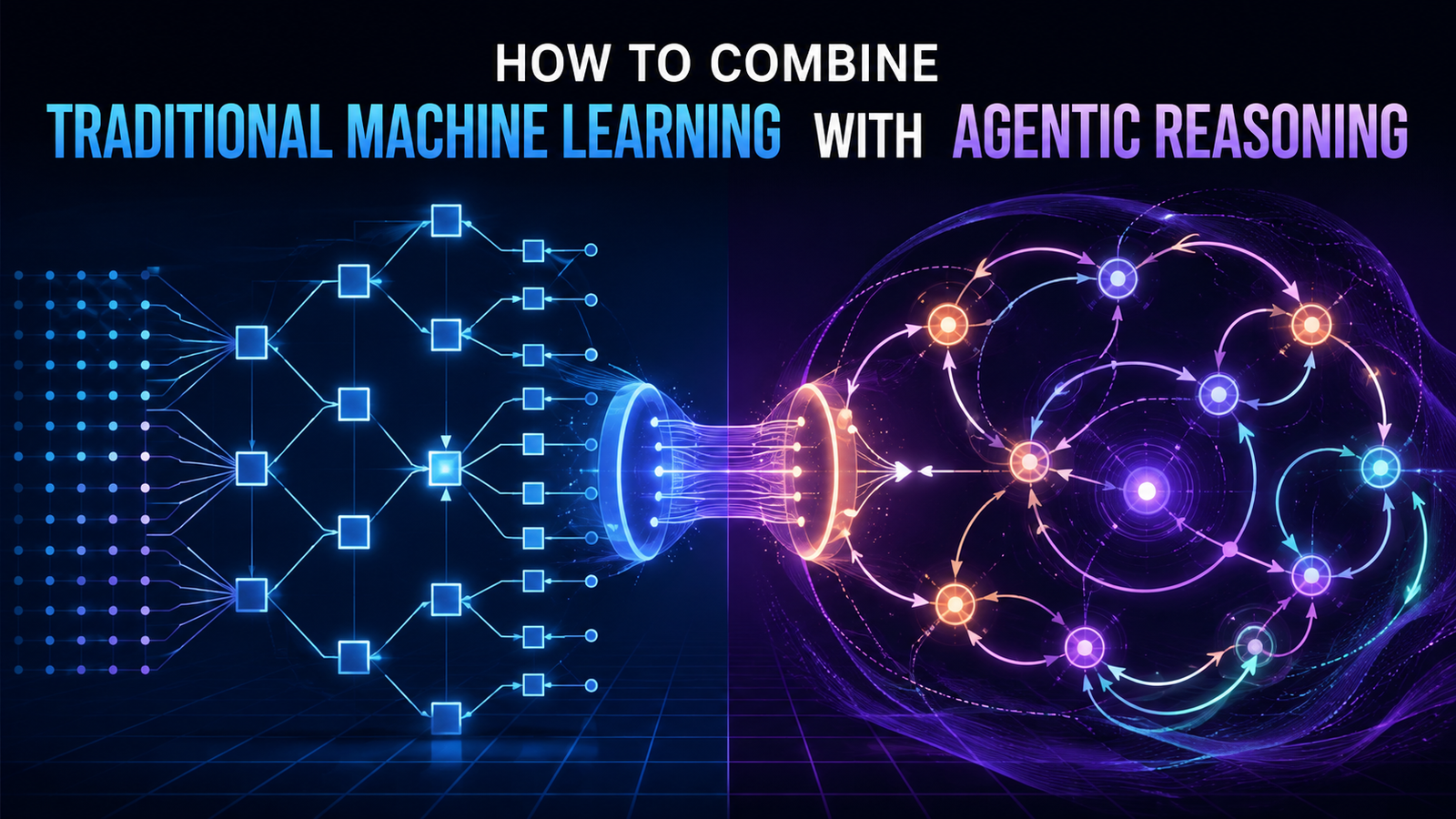
How to Combine Traditional Machine Learning with Agentic Reasoning
In this article, you will learn where traditional machine learning reaches its limits, what agentic reasoning adds, and how combining the two produces AI systems more capable than either approach alone. Topics we will cover include: What traditional machine learning does well, and where it falls short in multi-step, dynamic, or action-requiring problems. How agentic reasoning — built around large language model reasoning engines — adds planning, tool use, adaptation, and real-world action. How hybrid systems combine trained models and agentic reasoning, with a concrete insurance claims example. Let’s get into it. Introduction Machine learning models are remarkably good at one thing: taking inputs and producing outputs. Feed a trained classifier a medical image, and it returns a probability. Feed a regression model a set of features, and it returns a number. The model does exactly what it was trained to do, nothing more. That reliability is also a limitation. Most real-world problems do not arrive pre-packaged as a clean input-output pair. They require gathering information, making decisions about what to do next, handling unexpected situations, and acting across multiple steps before a final answer is even possible. Traditional machine learning, on its own, has no mechanism for any of this. Agentic reasoning fills that gap. This article explains where traditional machine learning reaches its limits, what agentic reasoning adds, and how the two work together in systems that are more capable than either approach alone. What Traditional Machine Learning Does Well Before examining the gaps, it is worth being precise about what traditional machine learning actually does. A supervised learning model learns a mapping from inputs to outputs by training on labeled examples. A fraud detection model learns to distinguish fraudulent transactions from legitimate ones. A churn prediction model learns which customer profiles are associated with cancellation. A demand forecasting model learns how historical patterns relate to future sales volumes. These models are fast, interpretable, and production-ready. Once trained, they run in milliseconds, handle enormous volumes of requests, and produce consistent outputs that can be audited and explained. Decades of engineering work have made them reliable. But they are also static. A trained model reflects the state of the world at training time. It cannot update its understanding mid-inference. It cannot ask a clarifying question. It cannot decide that it needs more information before producing an answer. It cannot take an action in the world and observe the result. The model receives its input, applies its learned function, and returns its output. That is the full extent of its operation. For many tasks, this is exactly what you want. For many others, it is not nearly enough. Where Traditional Machine Learning Falls Short The limitations of traditional machine learning become visible in three situations. When the problem requires multiple steps. Predicting whether a loan applicant will default is a single-step problem: given a set of features, return a probability. Deciding whether to approve a loan, however, involves additional steps: verifying income documentation, checking for inconsistencies, flagging edge cases for human review, and generating a written explanation for the decision. A model can contribute a prediction to this process, but it cannot manage the process itself. When the context changes mid-task. Traditional models assume that all relevant information is available at inference time, encoded in the input. But many real tasks involve discovering information as you go. An analyst investigating a potential security breach does not know in advance which logs are relevant. A customer service system cannot anticipate every direction a conversation might take. When the relevant context can only be determined by interacting with the environment, a static model that operates on fixed inputs cannot adapt. When actions are required. A model that predicts equipment failure cannot schedule the maintenance appointment. A model that identifies a supply chain disruption cannot reroute the shipment. Traditional machine learning produces outputs: numbers, labels, probabilities. It does not take actions in the world. The gap between a model’s prediction and a real-world response must be bridged by something else. These are not edge cases. They describe the majority of high-value business problems where AI is expected to deliver meaningful impact. What Agentic Reasoning Adds An agent, in the context of AI systems, is something that perceives its environment, decides what to do, takes action, and observes the results. The key difference from a traditional model is that an agent operates across time and interacts with its environment rather than simply transforming inputs into outputs. Modern agentic systems are typically built around a large language model that serves as a reasoning engine. This reasoning engine can plan sequences of steps, interpret intermediate results, decide which tools or resources to use, and adjust its approach based on what it observes. It is not making statistical predictions in the traditional sense. It is reasoning about what to do next. Agentic reasoning adds four capabilities that traditional machine learning lacks. Planning. An agent can decompose a complex goal into a sequence of steps and track progress toward that goal across multiple actions. Rather than producing a single output, it maintains a representation of what it is trying to accomplish and what still needs to be done. Tool use. An agent can invoke external tools — which might include databases, APIs, search engines, or other models — and incorporate the results into its reasoning. This means the agent is not limited to what was encoded in its parameters at training time. It can retrieve current information, run calculations, or query specialized systems on demand. Adaptation. An agent can update its plan based on what it observes. If a tool returns an unexpected result, the agent can revise its approach. If a query returns no useful information, the agent can try a different query. This feedback loop is absent from traditional machine learning inference. Action. An agent can do things in the world: send messages, write to databases, trigger workflows, call APIs. Its outputs are not just predictions but operations. How the Two Work Together The insight
Access Denied
Access Denied You don’t have permission to access “http://zeenews.india.com/world/senator-bernie-sanders-urges-trump-xi-to-hit-the-brakes-on-ai-future-of-humanity-is-at-stake-3071347.html” on this server. Reference #18.eff43717.1789382373.3f819ef8 https://errors.edgesuite.net/18.eff43717.1789382373.3f819ef8
Access Denied
Access Denied You don’t have permission to access “http://zeenews.india.com/technology/before-a-swarm-hacks-the-internet-whistleblower-backs-kill-switch-to-stop-rogue-ai-3071444.html” on this server. Reference #18.c4f43717.1789378518.406d7d97 https://errors.edgesuite.net/18.c4f43717.1789378518.406d7d97
Access Denied
Access Denied You don’t have permission to access “http://zeenews.india.com/technology/exponential-growth-of-ai-a-warning-sign-anthropic-ceo-dario-amodei-continues-push-for-ai-safeguards-3071418.html” on this server. Reference #18.54fdd417.1789354326.1c235d00 https://errors.edgesuite.net/18.54fdd417.1789354326.1c235d00